

Transforming repetitive CRM workflows with a lightweight AI Command Bar
In Fall 2025, I worked on an AgencyRoot-sponsored project. AgencyRoot is a CRM platform built for crop insurance agencies. Our team was tasked with designing an AI assistant to support agents in their everyday workflows.
I designed a lightweight AI Command Bar embedded within AgencyRoot's navbar, using AI to help crop insurance agents automate repetitive tasks such as uploading files or sending messages.

Repetitive workflows made simple tasks inefficient at scale
Crop insurance agents manage client records, policy details, and large volumes of documents. Even simple tasks required them to search for the right client, navigate across multiple pages and locate the appropriate feature.
One task was manageable. At scale, however, the same workflow had to be repeated dozens of times, turning a straightforward task into hours of manual, repetitive work.

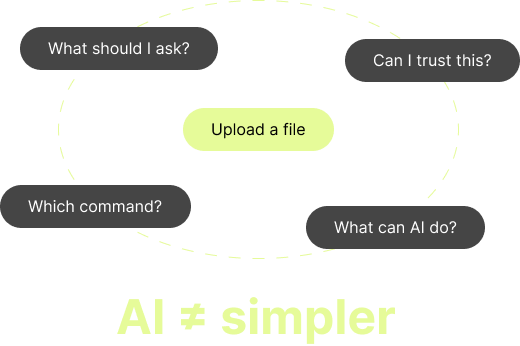
AI create another layer of complexity
Crop insurance agents relied on familiar tools and established workflows, and many had limited experience with AI-powered products. Introducing AI could add a new interaction model for users to learn, potentially creating more friction instead of reducing it.
A lightweight AI Command Bar for everyday CRM tasks
I designed a lightweight AI Command Bar embedded within AgencyRoot's navbar, making it accessible from anywhere in the platform. Instead of asking users to write open-ended prompts, it presents clear, guided actions based on tasks agents already perform.
From one consistent entry point, agents can upload documents, send messages, and add notes to multiple clients without opening each client record individually. Each workflow guides users through the necessary steps and keeps the AI-analyzed result visible for review before it is sent.
Why AI Command Bar?
Agents relied on familiar workflows and had varying levels of confidence with new technology. We needed an AI experience that was easy to discover, simple to use, while keeping users in control of every action and decision.
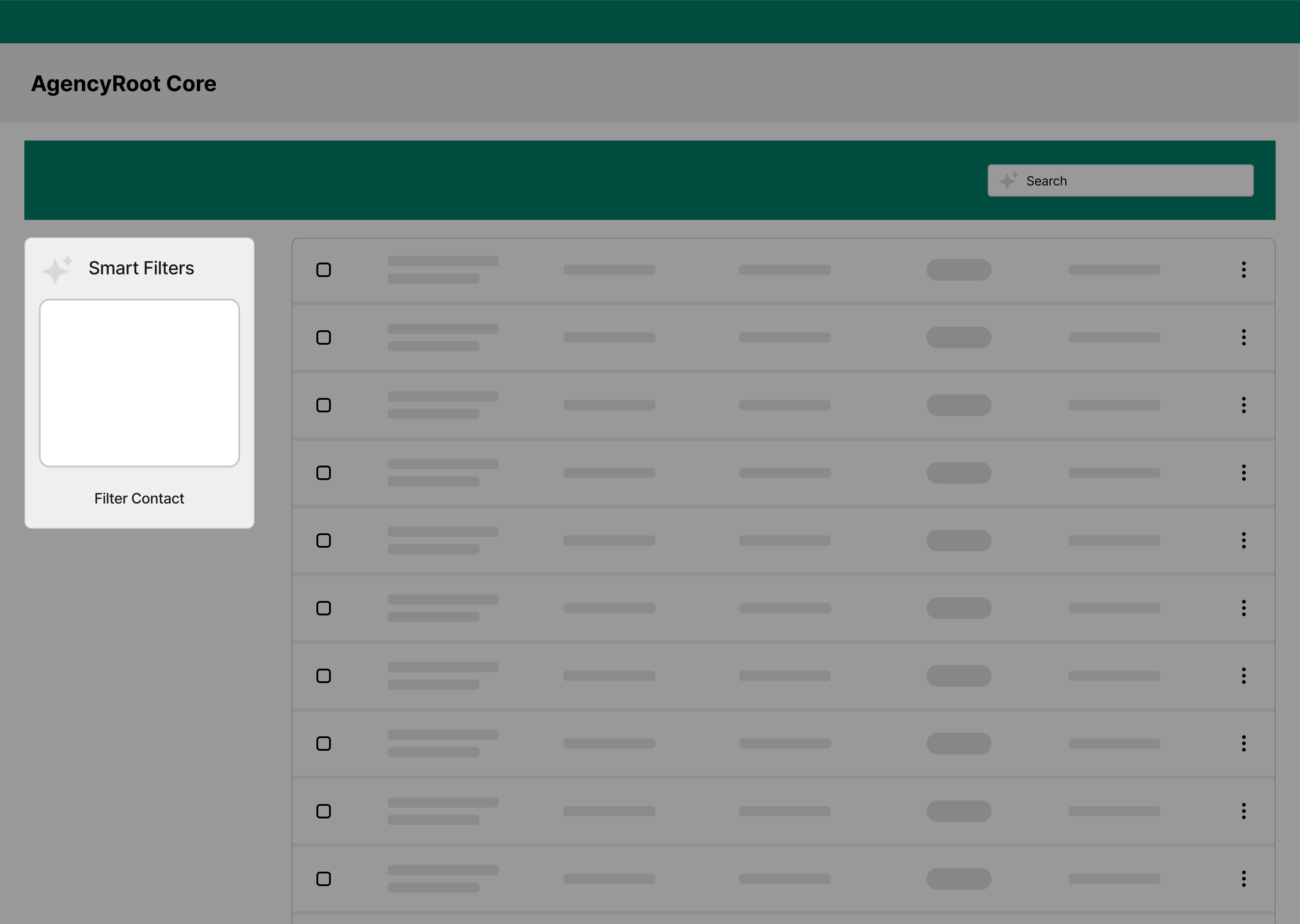
Early concept 1: Smart filter
Limited to finding information within the current page. It could not support broader actions across the CRM.

Early concept 2: Conversational assistant
Larger interface and required users to understand what to ask and how to interact with AI.
One upload instead of dozens of repetitive steps
Previously, agents had to search for each client, open their record, navigate to Documents, upload and classify a file, then repeat the same process for the next account.
The AI Command Bar turns this into one batch workflow. Agents upload multiple files for multiple clients at once, and AI identifies the likely client and document type for each file. The system organizes the results and surfaces uncertain matches for review before anything is uploaded.
This shifts the agent's role from manually routing every document to reviewing only the decisions that require human judgment.